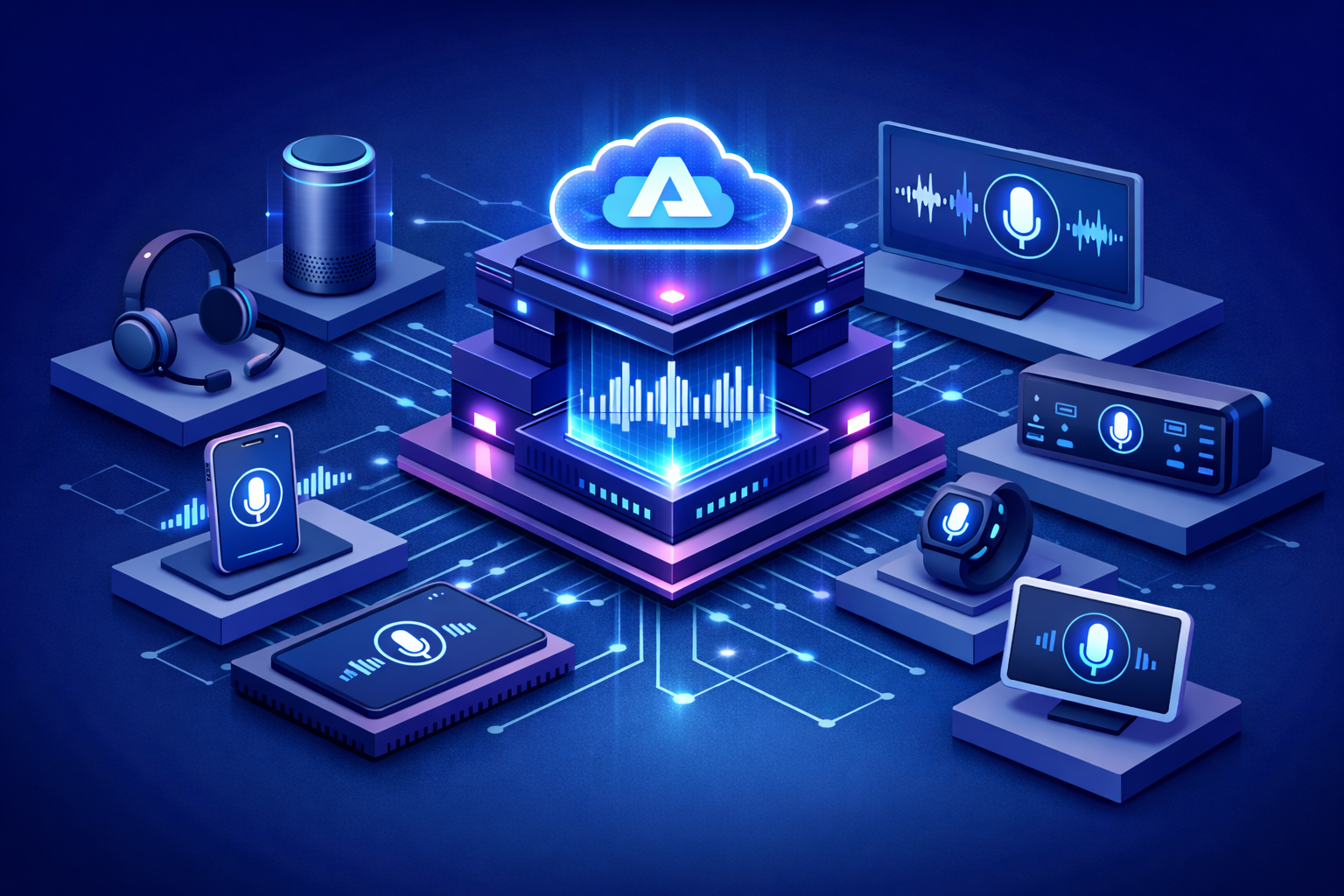
Understanding Azure AI Speech
Azure AI Speech is Microsoft Azure’s speech AI service for converting spoken language into text, generating natural-sounding speech from text, translating spoken audio, and supporting voice-enabled interactions in applications and digital platforms. It is designed for organizations that want to make their systems more accessible, conversational, and efficient by introducing voice as a practical interface rather than treating it as a niche feature.
In many business environments, voice remains one of the most natural and efficient ways for people to communicate. Employees speak faster than they type, customers expect intuitive self-service experiences, and many real-world scenarios depend on hands-free interaction. Azure AI Speech helps organizations bring those human communication patterns into software and operational workflows in a structured and enterprise-ready way.
Why Voice Interfaces Matter in Modern Applications
Modern applications are increasingly expected to feel more natural, accessible, and adaptive to the user. Keyboard-and-screen interaction remains essential, but it is no longer the only model that users expect. Voice interfaces can improve accessibility, increase productivity, enable mobility, and make digital experiences more intuitive across devices and environments.
Azure AI Speech matters because it helps organizations design systems that can listen to users, respond with synthesized speech, translate spoken communication, and support conversational workflows at scale. This creates opportunities in customer service, employee productivity, contact centers, education, healthcare, field operations, automotive experiences, and digital assistants. Voice is no longer only a convenience feature. It is becoming an important layer in modern application design.
Core Capabilities of Azure AI Speech
Azure AI Speech includes a broad set of capabilities that support both classic speech applications and newer AI-driven voice experiences.
-Speech to Text: Converts real-time or recorded speech into text so organizations can transcribe conversations, meetings, calls, media, and spoken workflows.
-Text to Speech: Generates natural-sounding speech from written text, allowing applications to speak responses, notifications, guidance, and dynamic content.
-Speech Translation: Translates spoken audio across languages to support multilingual communication and global user experiences.
-Speaker Recognition: Supports scenarios where identity or speaker verification is needed in voice-driven workflows.
-Custom Speech: Allows organizations to adapt speech models for domain-specific vocabulary, industry terminology, accents, or acoustic environments.
-Custom Voice: Enables selected organizations to build distinctive voice experiences for branded, tailored, or specialized speech output scenarios.
-Voice-Driven AI Experiences: Supports more advanced conversational patterns where speech becomes part of a broader AI interaction model.
From Command Interfaces to Natural Conversation
Voice technology has evolved significantly. Early voice interfaces often depended on rigid commands, limited phrase recognition, and narrow functionality. Today, organizations want systems that can understand natural speech, respond fluently, and fit into broader intelligent application architectures. Azure AI Speech supports this transition by enabling more natural voice interactions that can be integrated with enterprise AI, automation, and application workflows.
This shift is important because users do not think in terms of application boundaries. They want to ask questions, dictate instructions, hear responses, and complete tasks in a direct and frictionless way. Voice becomes especially powerful when it is connected to enterprise data, generative AI, search, and business systems rather than operating as a standalone feature.
Key Business Use Cases
Transcription and Meeting Intelligence
Organizations can use Azure AI Speech to transcribe meetings, calls, interviews, support interactions, and audio content into searchable text. This helps teams improve documentation, support compliance, extract insights, and create more accessible records of spoken communication.
Voice-Enabled Customer Experiences
Customer-facing systems can benefit from voice interfaces that allow users to speak requests, navigate services, and receive spoken responses. This can improve digital engagement, reduce friction in self-service channels, and support more natural interaction patterns across mobile, web, and telephony experiences.
Accessibility and Inclusive Design
Voice capabilities play an important role in accessibility. Speech-to-text can help users who prefer dictation or need speech input, while text-to-speech can support users who benefit from spoken content delivery. Azure AI Speech allows organizations to design more inclusive applications that accommodate different communication needs and preferences.
Field Operations and Hands-Free Workflows
In environments such as logistics, healthcare, manufacturing, maintenance, and field service, workers often need access to information while their hands and attention are focused elsewhere. Voice interfaces can help them retrieve instructions, capture notes, confirm actions, and interact with systems more efficiently without relying on manual input alone.
Multilingual Communication
Global organizations frequently need to communicate across languages in real time. Azure AI Speech supports spoken translation scenarios that can help improve collaboration, customer engagement, and service delivery in multilingual environments. This is especially valuable for businesses with international operations or diverse user communities.
Speech to Text as a Business Enabler
Speech-to-text is one of the most widely used capabilities within Azure AI Speech because spoken communication still drives many essential business processes. Calls, support interactions, meetings, voice notes, media files, training sessions, and operational briefings all contain valuable information that is often difficult to use unless it is transcribed.
Once converted into text, spoken content becomes far more useful. It can be searched, summarized, analyzed, routed into workflows, indexed for retrieval, and incorporated into downstream AI solutions. In that sense, speech recognition is not only an input feature. It is a bridge that turns audio into enterprise data.
Text to Speech and the Humanization of Digital Systems
Text-to-speech is equally important because it allows applications to communicate more naturally with users. Instead of displaying only static text, systems can deliver guidance, support, confirmations, alerts, and conversational responses through realistic synthesized voices. This improves usability in scenarios where spoken output is faster, safer, or more engaging than reading from a screen.
As digital experiences become more intelligent, the quality of synthesized speech matters more. Organizations want voices that sound natural, consistent, and appropriate for their use case. Azure AI Speech supports this by enabling modern voice generation capabilities that make digital interactions feel more polished and human-centered.
Customization and Industry Adaptation
One of the practical strengths of Azure AI Speech is that organizations are not limited to generic speech patterns. Many industries use specialized terminology, abbreviations, product names, and communication styles that standard models may not always capture perfectly. Custom speech capabilities allow organizations to improve recognition for their own domain language, which can significantly improve usefulness in real operational settings.
This is especially relevant in healthcare, finance, legal services, manufacturing, telecommunications, public sector operations, and customer support environments where precise terminology matters. Customization helps voice solutions become more than general-purpose demos. It makes them more aligned with actual business communication.
How Azure AI Speech Fits into the Azure AI Ecosystem
Azure AI Speech is often most effective when it is part of a broader intelligent application architecture. Voice alone can improve user interaction, but voice combined with other Azure AI services can create far more valuable solutions.
-Azure OpenAI Service: Adds generative AI capabilities so voice interfaces can support conversational reasoning, summarization, and richer responses.
-Azure AI Search: Helps voice assistants retrieve grounded enterprise information before responding to users.
-Azure AI Foundry: Provides a broader platform for organizing, evaluating, and governing AI solutions that include speech-driven experiences.
-Azure AI Agent Service: Allows voice-enabled agents to retrieve information, call tools, and perform goal-driven tasks across enterprise workflows.
-Azure AI Language: Enhances applications with text analysis, classification, summarization, and language understanding after transcription.
-Azure Translator: Extends multilingual experiences when broader translation workflows are required.
-Azure Monitor, Key Vault, and Microsoft Entra: Support security, observability, access control, and operational trust across production voice solutions.
Architecture Considerations for Production Voice Solutions
A production-ready voice solution involves more than connecting a microphone to an API. Teams need to think carefully about user channels, real-time versus batch processing, audio quality, latency expectations, language requirements, identity controls, orchestration logic, monitoring, and integration with downstream systems. These architecture decisions directly affect usability and business value.
In some scenarios, audio is captured from an app or device, transcribed through Azure AI Speech, processed by language or generative AI services, and then returned as spoken output. In others, batch transcription pipelines convert stored audio into searchable content for analytics, compliance, or knowledge retrieval. The right design depends on whether the goal is live interaction, asynchronous processing, or full conversational workflow support.
Security, Privacy, and Responsible Voice AI
Voice data can be highly sensitive. Calls, recordings, dictated notes, and spoken interactions may contain personal data, confidential business information, regulated content, or security-sensitive details. For that reason, organizations should implement Azure AI Speech as part of a secure architecture with strong access control, logging, data handling practices, and clear governance over where and how voice data is processed.
Responsible AI also matters in voice solutions. Teams should consider accuracy across languages and accents, transparency about when users are speaking to AI, safeguards around voice generation, and appropriate human oversight for sensitive workflows. The goal is not only to create convenient voice interfaces, but also to ensure that those interfaces are trustworthy, inclusive, and aligned with organizational requirements.
Best Practices for Azure AI Speech Adoption
-Start with a Meaningful Voice Scenario: Focus on use cases where spoken input or output clearly improves accessibility, speed, or user experience.
-Design Around Audio Quality: Account for noise, devices, microphones, accents, and real-world environments from the start of the implementation.
-Use Customization Where It Matters: Adapt models for specialized terminology and business language when accuracy is critical.
-Integrate Speech into Broader Workflows: Connect transcription and voice output to search, AI orchestration, and operational systems rather than using speech as an isolated feature.
-Validate High-Impact Scenarios: Keep human review in place for regulated, sensitive, or high-risk business processes supported by voice AI.
-Monitor Performance Continuously: Measure accuracy, latency, user experience, and operational quality so the solution can improve over time.
Common Challenges Organizations Should Address
Although voice AI is powerful, organizations should be realistic about the challenges involved. Audio quality varies widely, domain terminology can affect transcription accuracy, real-time voice systems are sensitive to latency, and multilingual environments can introduce additional design complexity. These are normal challenges, but they require thoughtful architecture and testing.
Another common challenge is underestimating the importance of user experience design. A voice interface is not successful simply because it can hear or speak. It must also know when to listen, how to confirm understanding, when to escalate, how to recover from ambiguity, and how to fit naturally into the user’s context. Good voice solutions combine technical capability with careful interaction design.
The Strategic Value of Voice AI
Azure AI Speech creates strategic value by enabling organizations to make digital systems more natural, accessible, and responsive. Voice can reduce friction in customer service, improve workforce productivity, support multilingual interaction, and help organizations build more human-centered applications. It also expands what software can do by allowing spoken communication to become part of enterprise workflows and intelligent systems.
For many businesses, this means shifting from screen-only experiences to multimodal ones that better match how people actually communicate. As applications become more intelligent, the ability to speak and listen effectively will become a more important part of digital transformation.
The Future of Azure AI Speech
The future of Azure AI Speech is closely connected to the broader evolution of multimodal AI, digital agents, and real-time conversational systems. Voice interfaces are moving beyond simple commands toward more fluid, contextual, and intelligent interactions. Organizations will increasingly expect speech systems to support natural conversation, richer expression, multilingual capability, and deeper integration with business tools and enterprise knowledge.
Azure AI Speech is well positioned for this future because it already supports both foundational voice capabilities and more advanced speech experiences within the Azure AI ecosystem. As enterprises continue building copilots, agents, and intelligent applications, speech will become an even more important bridge between people and software.
Conclusion
Azure AI Speech is advancing voice interfaces in modern applications by helping organizations convert speech into text, generate natural spoken output, support multilingual communication, and build richer conversational experiences. With capabilities spanning transcription, speech synthesis, translation, customization, and integration with the wider Azure AI ecosystem, it provides a strong foundation for voice-enabled innovation. For organizations looking to make their applications more accessible, intelligent, and user-centered, Azure AI Speech represents a practical and strategic step forward.